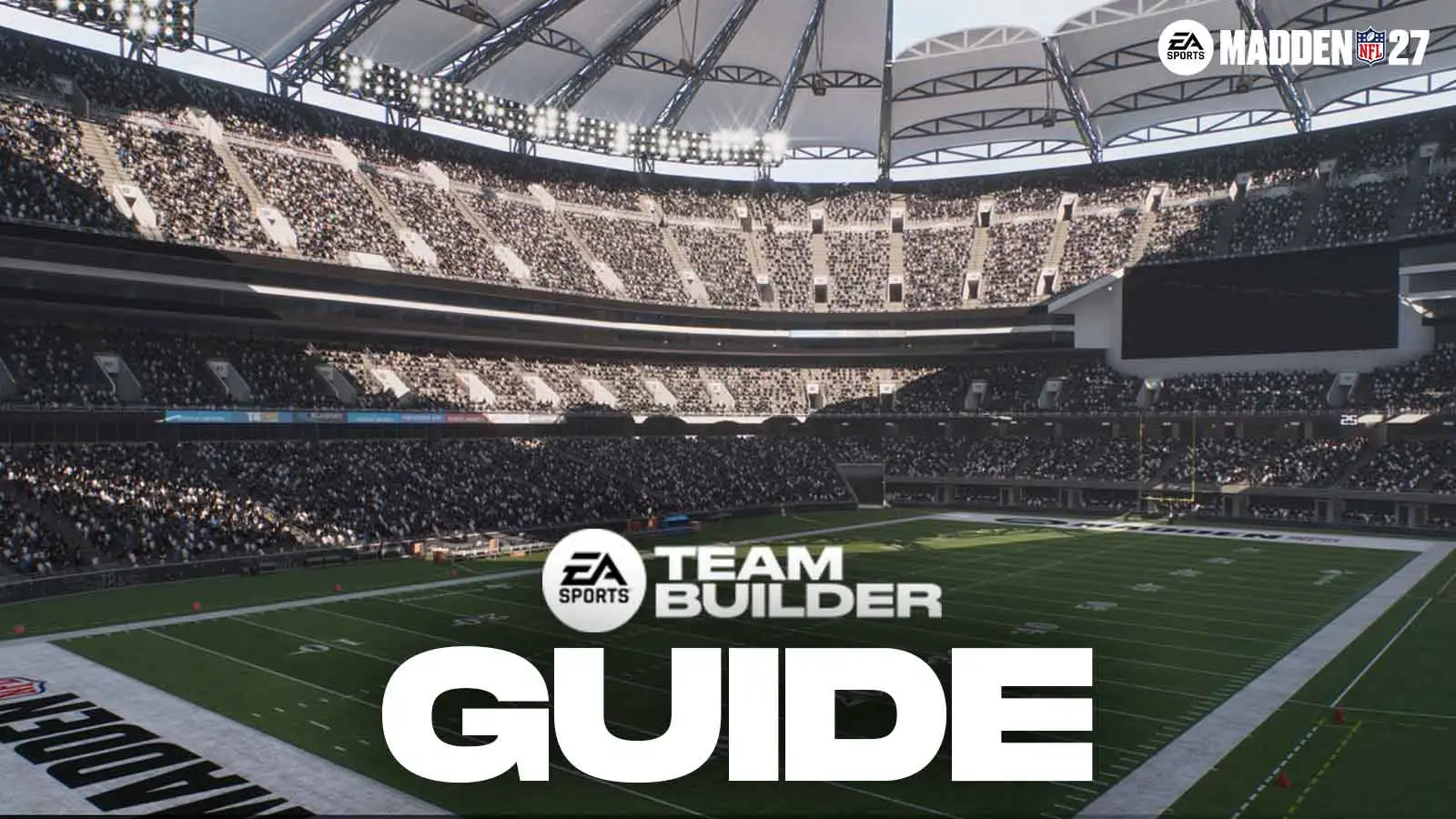
Madden NFL 27 brings back Team Builder, the tool that lets players design a completely custom NFL team — logo, uniforms, stadium, and roster included — and drop it into Franchise mode. Team Builder isn’t a mode you’ll find inside the game itself. It’s a separate website where the actual construction happens, and once a team is finished there, it gets downloaded in-game and imported for use in modes like Franchise or Play Now.
Here’s everything to know before building a Super Bowl-caliber expansion team from scratch.
Getting Started With Team Builder
Team Builder runs through the browser, not the console or PC game client. Players need an EA Account signed in to access it, and EA’s official help page recommends using a desktop browser rather than a phone, which isn’t officially supported. An internet connection is required throughout, since nothing about the process works offline.
Once signed in, hit “Create” on the Team Builder site to open the editor. From there, four categories cover everything about the new franchise:
- Brand — team name, hometown, logos, colors, apparel brand, fonts, and jersey numbers
- Uniforms — home, away, and alternate uniform sets
- Stadium & Field — crowd, playing surface, field logo placement, end zones, benches, and stadium base
- Roster — playbooks, presets, and full player-by-player editing
Save often. Every section can eat a lot of time, especially Roster and Uniforms, and there’s no guarantee an unstable connection won’t cost unsaved work.
Building Out The Brand And Uniforms
The Brand tab is where the team’s identity gets set — name, home city, and either a premade logo or a custom upload. EA’s guidelines require that custom logos avoid offensive content, steer clear of copyrighted material, and not reference any real individual’s personal information. Anyone uploading their own artwork should also strip the background first so the logo renders transparent in-game; several free tools online handle that in a few clicks.
Uniforms cover helmets, jerseys, pants, and socks across home, away, and alternate sets, with the option to place an apparel brand’s logo on different parts of the kit. This section, along with Stadium, tends to be the most time-consuming part of the whole build — another reason to save on the way through rather than at the end.
Designing The Stadium
Six default stadiums serve as starting templates. From there, crowd behavior, field surface, end zone design, yard-line numbers, sidelines, and benches are all adjustable. Players chasing a specific look — a cold-weather outdoor bowl, a domed stadium, a retro throwback — have enough control to get close, but it takes patience.
Setting The Roster
Roster is the deepest section by far. Every player on the team can be edited individually: appearance, height, weight, ratings, abilities, X-Factor traits, and more. Playbooks and roster presets also live here, giving the option to start from a template instead of building 53 players one at a time.
Once Brand, Uniforms, Stadium, and Roster are all finished, save the team and hit Submit.
Downloading The Team In Madden 27
Building the team online is only half the process — it then has to be pulled into the actual game. According to EA’s Team Builder support article, the in-game steps are:
- Open the Creation Center from the main menu
- Select Download Center, then make sure the Teams category is active
- Search for the team by name (or by the account’s username to see every team created on that EA Account)
- Select Download, then check My Downloads to confirm it’s there
Previewing the team before downloading is worth doing — it’s a quick way to catch a uniform or logo issue before it’s sitting in a real league.
Importing A Team Into Franchise Mode
This is the part that trips people up: Team Builder teams only work in online Franchise leagues. EA’s help documentation confirms that choosing Play Offline blocks the import entirely, even though a solo online league can otherwise be kept completely private with no other players involved.
To bring a downloaded team in, players need to create or join an online league, then on the Choose Team screen, replace an existing NFL team with the custom one. Up to 32 Team Builder teams can be imported into a single league, which is enough to fully replace the NFL with fictional franchises if that’s the goal.
| Step | Where It Happens | Requirement |
|---|---|---|
| Build the team | Team Builder website (browser) | EA Account, desktop browser recommended |
| Download the team | Creation Center → Download Center → Teams | Madden NFL 27, signed into the same EA Account |
| Import the team | Franchise → Choose Team screen | Online league only — not Play Offline |
What Else To Know
Team Builder isn’t exclusive to Madden this year. The same tool is available in College Football 27, so the workflow carries over for anyone building a custom program on the college side too.
Worth noting for anyone jumping in right at launch: Team Builder went down for scheduled maintenance on July 27 ahead of the Madden 27 rollout. EA’s own Madden NFL 27 Launch Guide targeted a return date of August 6 to line up with full Madden 27 integration, so early access players should have had the updated tool available already.